A visitor arrives on your website. Was it the Facebook ad, the WhatsApp broadcast, the email newsletter or the QR code on your packaging? Without UTM parameters, analytics often guesses, and many of those visits land in “direct” or a vague “referral” bucket. With them, every link tells you exactly where it was shared.
What a UTM tag is
A UTM tag is a short piece of text added to the end of a link. It does not change the page people see. It only labels the visit, so Google Analytics can report it correctly.
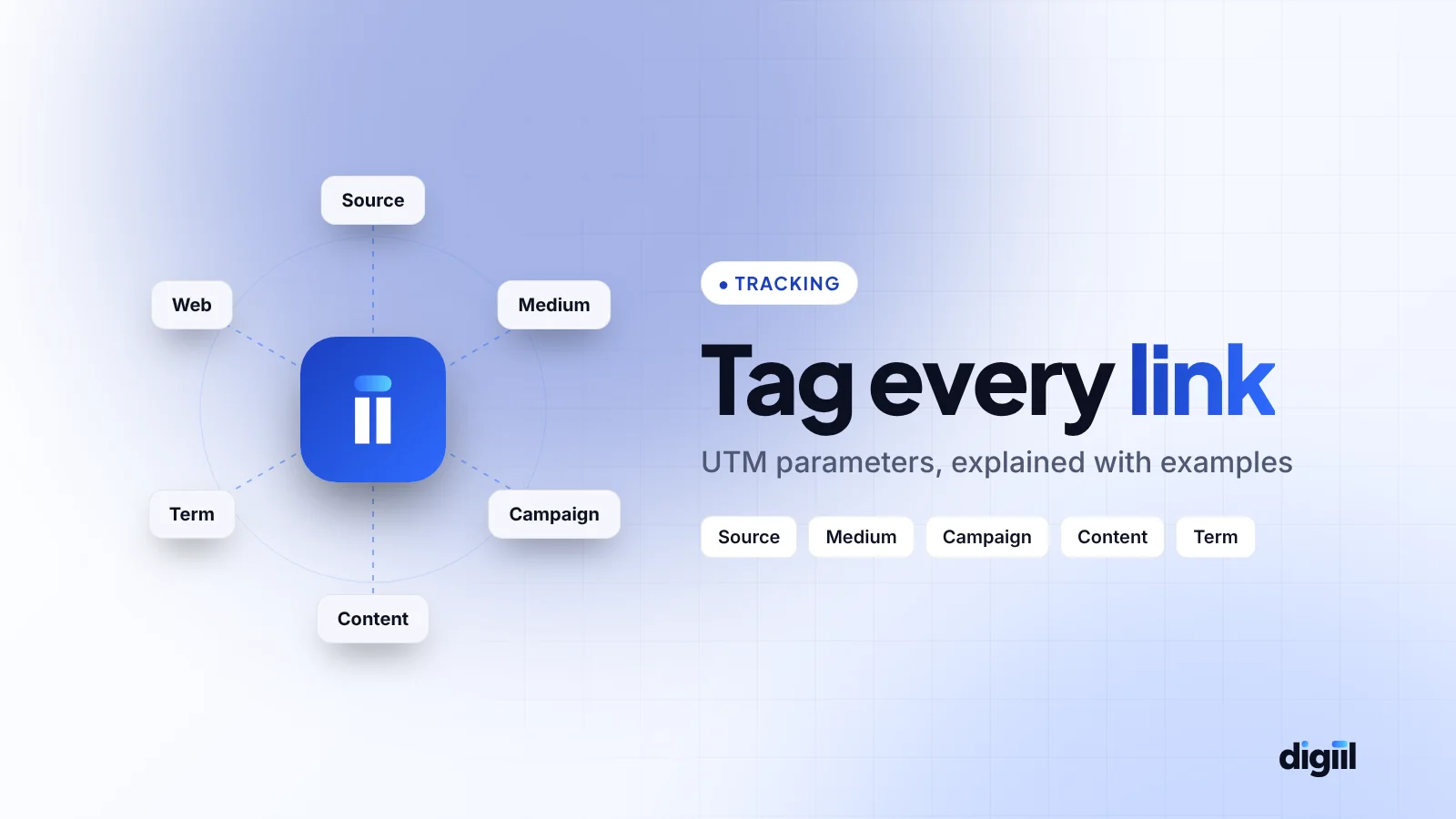
https://www.example.com/eid-collection?utm_source=facebook&utm_medium=paid_social&utm_campaign=eid_2026&utm_content=video_aEverything after the question mark is tags, joined by ampersands. GA4 reads them and files the visit under that source, medium and campaign.
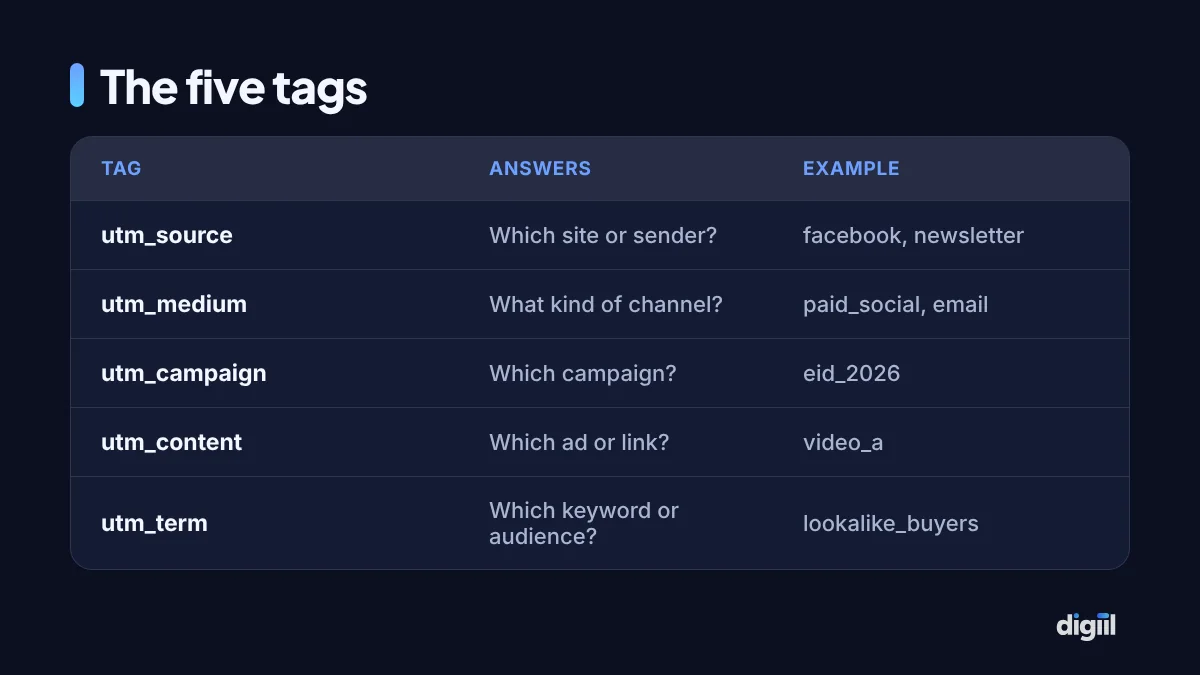
Source, medium and campaign are the three you should use every time. Content and term are optional and useful when you want to compare ads or audiences inside one campaign.
Building a tagged link
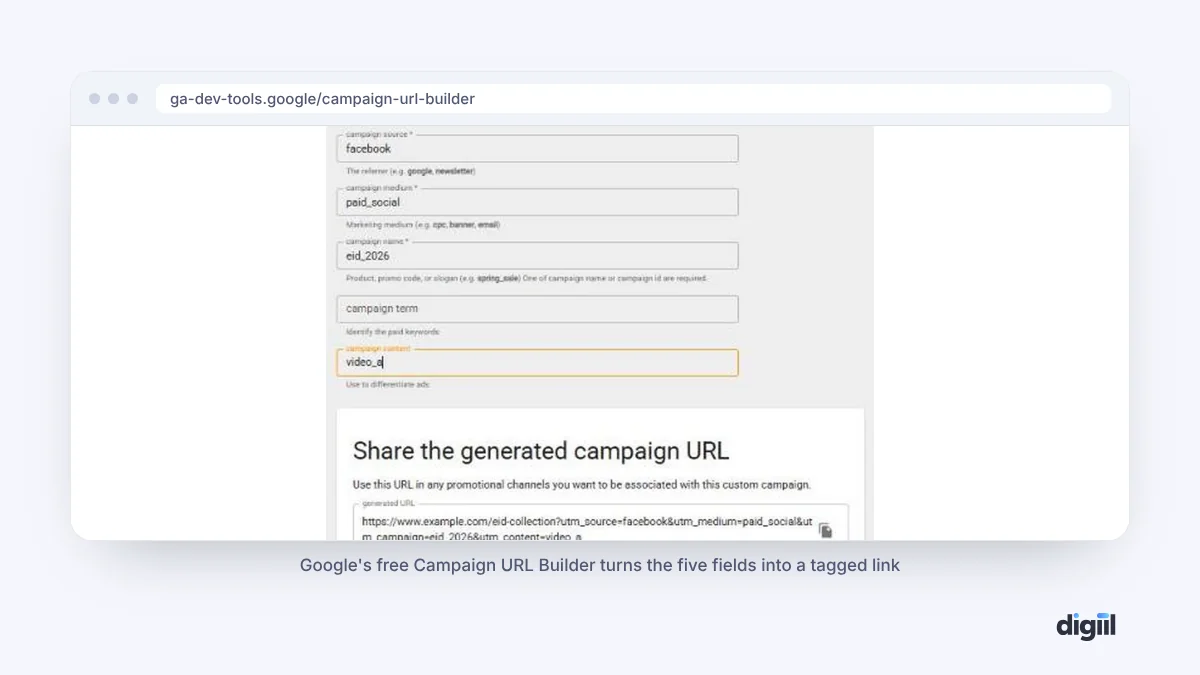
You do not need to type the tags by hand. Google’s free Campaign URL Builder takes the page address and your values and produces the full link to copy. Many link shorteners and email tools add UTMs automatically too.
A tagged link is long and ugly. For printed material, SMS and WhatsApp, shorten it with a link shortener, or turn it into a QR code. The tags survive the shortening.
Ready-made examples
| Where the link appears | source | medium | campaign |
|---|---|---|---|
| Facebook or Instagram ad | facebook / instagram | paid_social | eid_2026 |
| Facebook page post (organic) | social | new_arrivals_nov | |
| Email newsletter | newsletter | nov_week2 | |
| WhatsApp broadcast or channel | messaging | restock_alert | |
| SMS campaign | sms | sms | winter_sale |
| QR code on packaging | packaging | qr | insert_card |
| Influencer or partner post | creator_name | referral | launch_dec |
Facebook and Instagram ads
Meta Ads Manager has a “URL parameters” field in the ad’s tracking section. Instead of tagging each link by hand, you can use Meta’s dynamic values so every ad fills in its own campaign and ad names automatically:
utm_source={{site_source_name}}&utm_medium=paid_social&utm_campaign={{campaign.name}}&utm_content={{ad.name}}Name your campaigns and ads clearly in Ads Manager, because those names now appear in your analytics.
Google Ads
Leave auto-tagging on and link Google Ads to GA4. That reports campaigns, keywords and costs without manual UTMs. Adding your own UTMs on top can conflict with auto-tagging, so only do it if you have a specific reason.
Most email platforms can append UTMs to every link in a campaign automatically. Turn it on and set the campaign value to something recognisable. For email practice in general, see email marketing in Bangladesh.
Naming rules that keep GA4 tidy
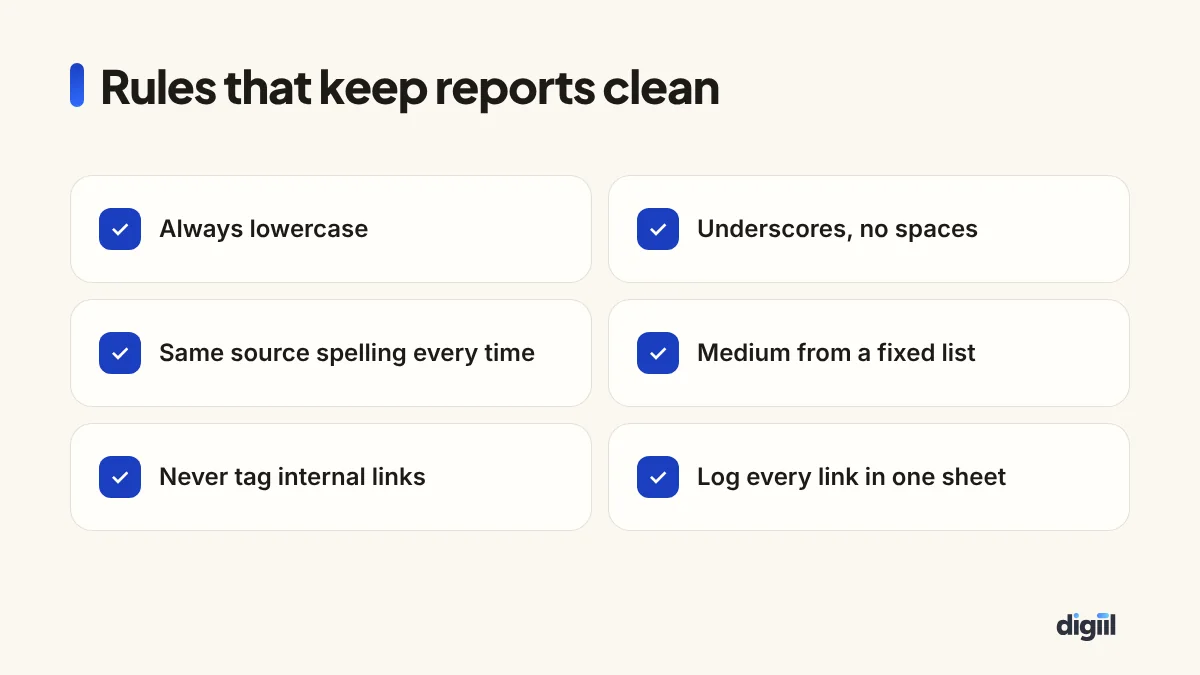
UTM tags only help if everyone writes them the same way. “Facebook”, “facebook”, “fb” and “FB.com” become four separate sources in your reports, splitting one channel into fragments.
Keep a shared sheet with the approved values and every tagged link you create: date, destination, source, medium, campaign, content and the final link. It takes seconds per link and saves hours of cleaning later.
Reading UTM data in GA4
- Open Reports, Acquisition, Traffic acquisition.
- Change the primary dimension to “Session source / medium” or “Session campaign”.
- Add a secondary dimension such as “Session manual ad content” to compare ads inside a campaign.
- Look at key events and revenue, not just sessions. A source with fewer visits and more enquiries is the better source.
If GA4 is not set up yet, start with our GA4 setup guide for small businesses.
A furniture shop sent the same WhatsApp broadcast tagged “whatsapp”, “WhatsApp” and “wa” by three different staff members. GA4 showed three small sources instead of one strong one, and the owner nearly stopped the broadcasts because each “channel” looked weak. A shared naming sheet fixed it in a day.
Mistakes that break your data
- Tagging internal links. A UTM on a link from your home page to your shop page starts a new session and overwrites the real source. Never put UTMs on links within your own site.
- Mixed capitals and spellings, splitting one source into several.
- Spaces in values. They turn into %20 and look messy. Use underscores.
- Putting personal data in tags, such as names, emails or phone numbers. It breaks Google’s policies and privacy rules.
- A broken link after tagging. If the page address already contains a question mark, the tags should start with an ampersand. Builders handle this, which is another reason to use one.
- Redirects that drop the tags. Some redirects strip parameters. Click the final link and check the address bar still shows them.
The traffic UTMs cannot see
When someone copies a link and pastes it into a private chat, the tags travel with it only if they copied the tagged version. Visits from apps that open links without passing referrer information also land in “direct”. This is often called dark social, and in Bangladesh, where so much sharing happens on WhatsApp and Messenger, it can be a large share of traffic. Tag every link you share yourself, and accept that some word-of-mouth will always show up as direct.
UTMs are one part of a tracking setup. For the rest, such as conversions, pixels and tag management, see Google Tag Manager setup and how to fix ad tracking, or our tracking services.
UTM questions
Do I need UTM tags on Google Ads links?
Usually not. With auto-tagging switched on and Google Ads linked to GA4, Google adds its own click ID and reports the campaign automatically. Manual UTMs are for platforms that do not have that link, such as Meta, email and messaging apps.
Do UTM parameters affect SEO?
No, as long as you use them on links you share elsewhere and not on links inside your own site. If tagged URLs get indexed, a canonical tag pointing to the clean URL solves it.
Are UTM parameters case sensitive?
Yes. GA4 treats "Facebook" and "facebook" as two different sources. Use lowercase for everything.
Can I see UTM data in GA4 straight away?
Realtime reports show it within minutes. Standard reports can take a day to process. Look under Reports, Acquisition, Traffic acquisition, and change the dimension to session source, medium or campaign.

Amanat has 7+ years in digital marketing and has managed $8M+ in Google and Meta ad spend for 235+ brands in the UK, USA, Australia and Bangladesh. He holds 20+ certifications, including Digital Marketing Strategy from Harvard Business School Online. More about Amanat